SwiftUI 中@State 变量在构造函数中的赋值问题
常用方式
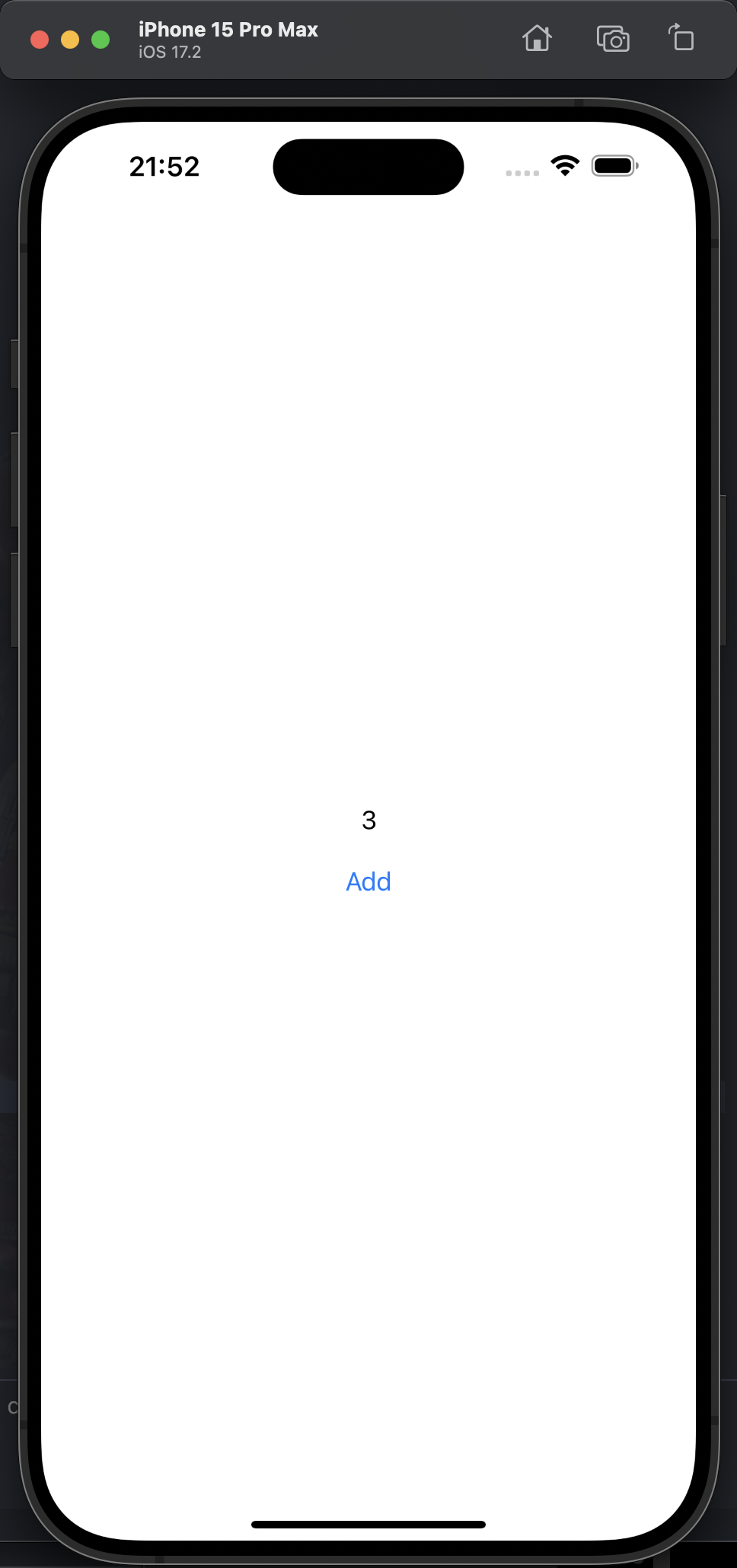
如下的代码是 SwiftUI 中常用的方式, 也可以正常运行
import SwiftUI

struct ContentView: View {

    @State var index: Int = 1

    var body: some View {

        VStack(spacing: 20) {

            Text(String(index))

            Button {
                index += 1
            } label: {
                Text("Add")
            }

        }
        .padding()

    }

}

#Preview {
    ContentView()
}
容易出错的方式
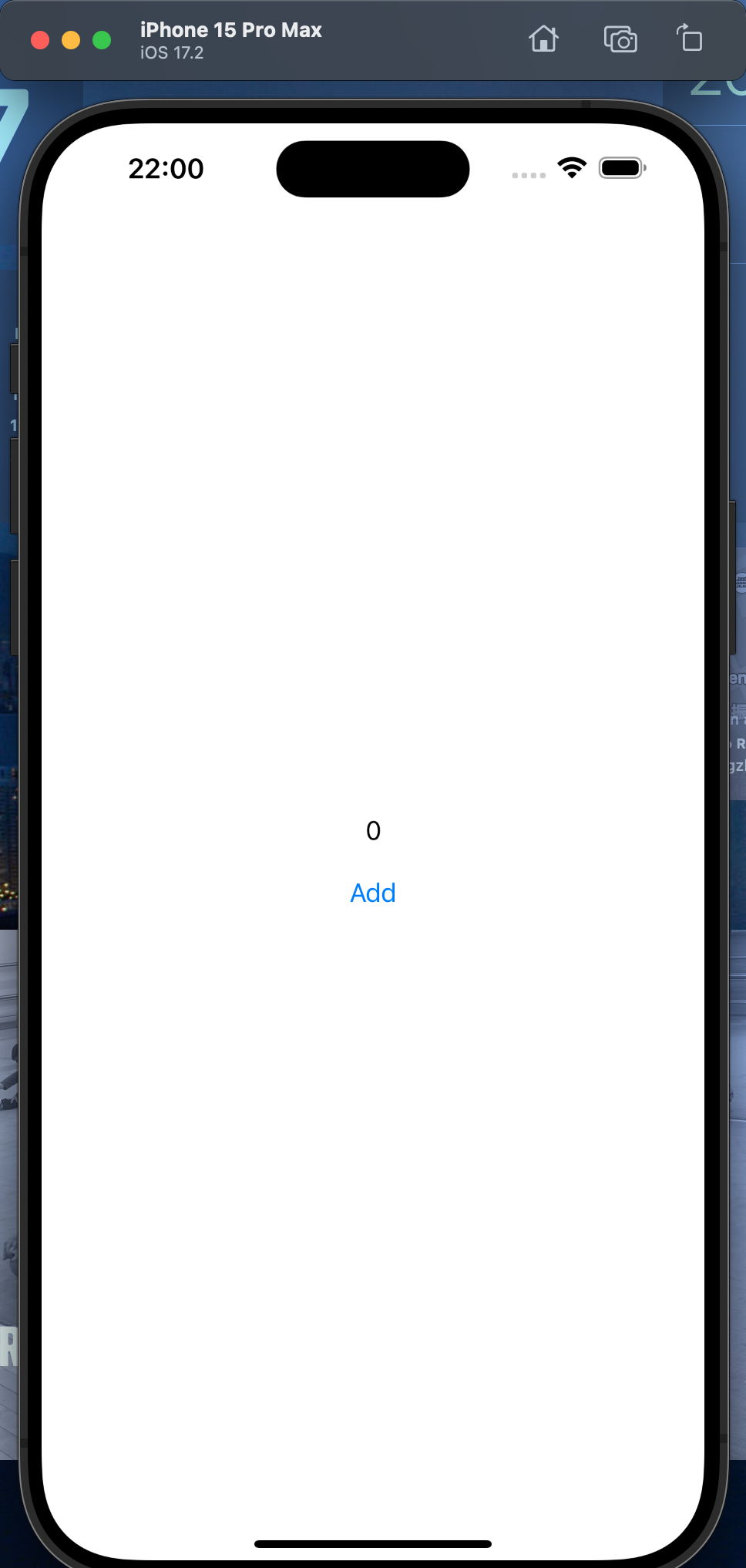
如下代码会导致文本一直为 0,点击无法增加
@main
struct StateVarInitTestApp: App {
    var body: some Scene {
        WindowGroup {
            ContentView(index: 1)
        }
    }
}


struct ContentView: View {

    @State var index: Int? = nil //index 初始值为?

    init(index: Int) {
        self.index = index //这行代码引入了问题
    }

    var body: some View {
        VStack(spacing: 20) {

            Text(String(index ?? 0))

            Button {
                if self.index != nil {
                    self.index! += 1
                }
            } label: {
                Text("Add")
            }

        }
        .padding()
    }
}
修正后的实现
@main
struct StateVarInitTestApp: App {
    var body: some Scene {
        WindowGroup {
            ContentView(index: 1)
        }
    }
}


struct ContentView: View {

    @State var index: Int? = nil //index 初始值为?

    init(index: Int) {
        //self.index = index //这行代码引入了问题
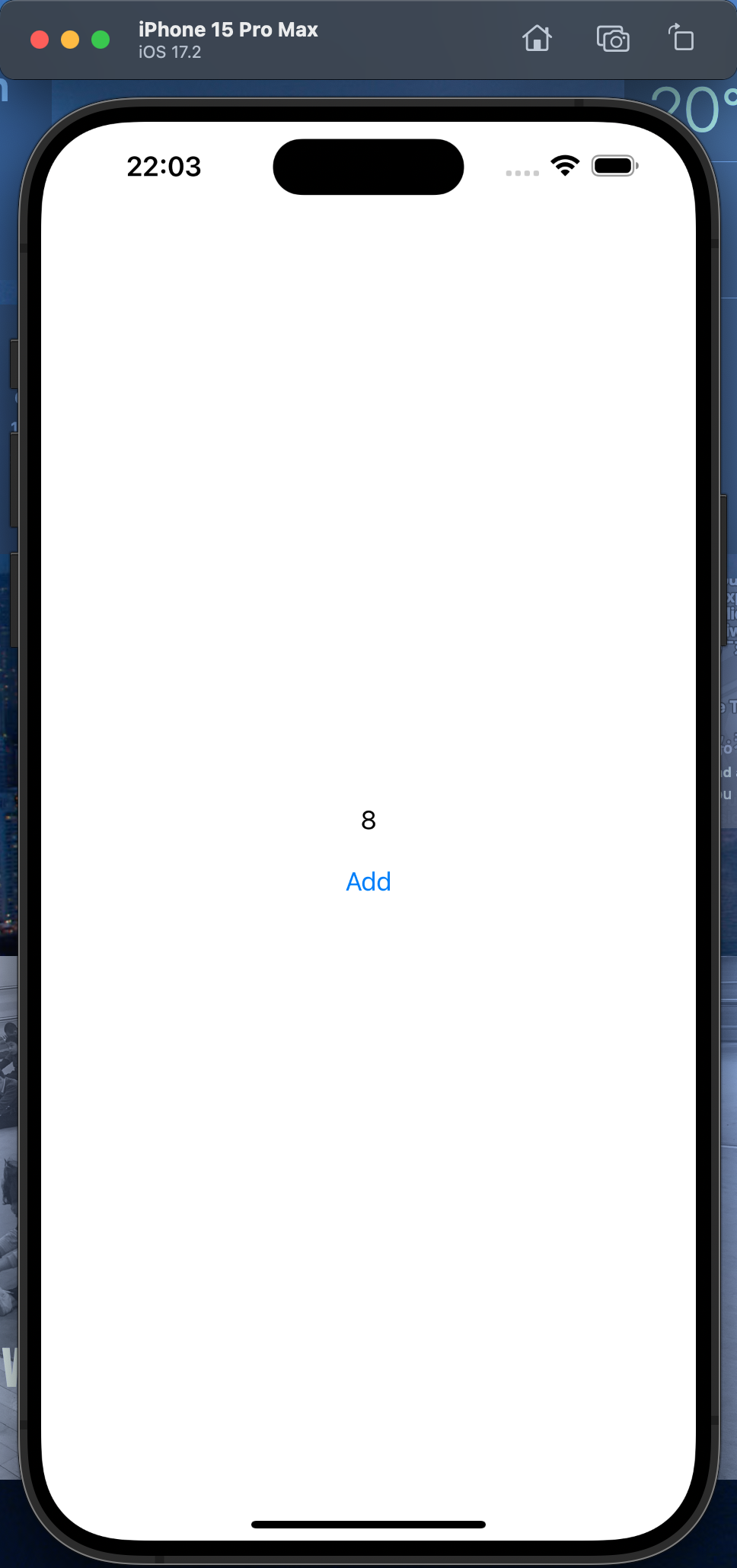
        _index = State(initialValue: index)
    }

    var body: some View {
        VStack(spacing: 20) {

            Text(String(index ?? 0))

            Button {
                if self.index != nil {
                    self.index! += 1
                }
            } label: {
                Text("Add")
            }

        }
        .padding()
    }
}
总结
@State var index: Int? = nil

init(index: Int) {
    _index = State(initialValue: index)
}